A guest research Chrome extension for podcast producers
Producers save a potential guest from LinkedIn in one click, straight into the client's guest list.
We built Fame a Chrome extension that lets producers save a potential guest from LinkedIn in one click: name, role, company and location go straight into the client's guest list and portal. Main result so far: 832 potential guests saved from LinkedIn in the last 30 days.
Who we built it for
Fame is a B2B podcast agency that has been running for six years. Its team finds and books guests, produces episodes and promotes each show for around 100 clients, and Fame Crew finds local videographers for shoots and handles the editing. Team size: about 97 people (estimate), most of them freelancers and contractors. Fame is Forge's own sister company, so we built these tools for ourselves first and still run every one of them.
Who uses it: producers, the outreach team.
Copy, paste, repeat
Finding guests means reading many LinkedIn profiles. Each good one was copied field by field into the tracking spreadsheet, and details like role and location were often missed.
Producers spent around 40 hours a week copying guest details between tabs (estimate).
One click from profile to guest list
Save from LinkedIn
The extension reads the profile the producer is looking at and saves the guest in one click.
Straight to the right client
Leads go to the client's guest list, or to a review queue first for clients who want to see them.
Fills the tracker
Role, location and profile link are written into the tracking sheet automatically.
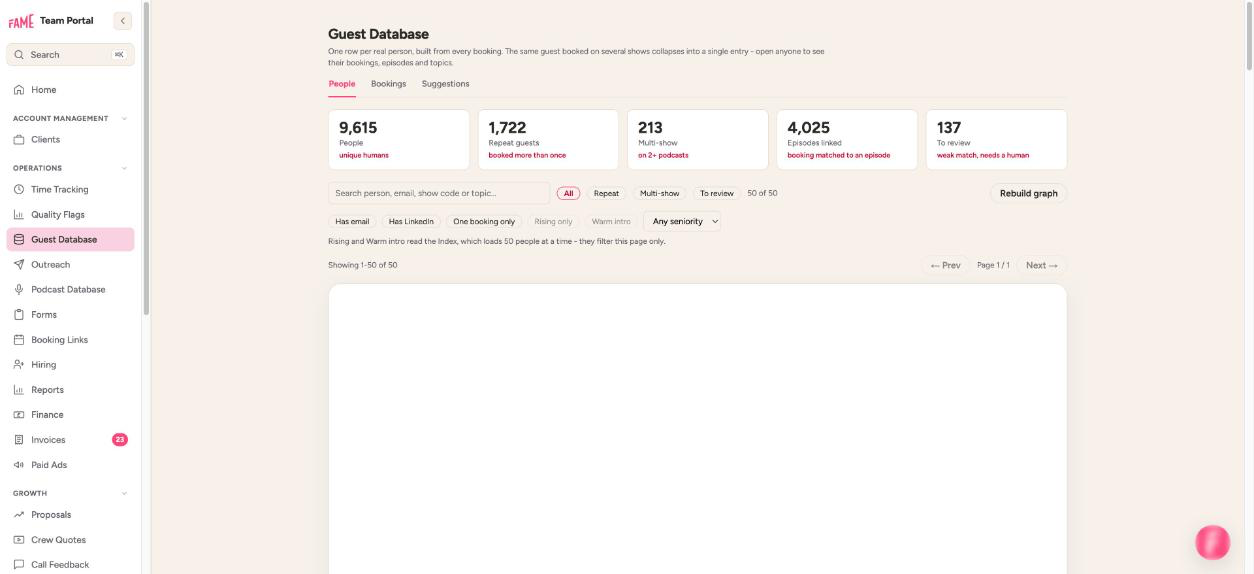
What the producers used before
Copying guest details field by field into a spreadsheet.
Monthly cost of what came before: £100 a month (estimate)
What changed for the producers
How we look after the guest research chrome extension
Forge built this for Fame and looks after it: errors are reported automatically to an error tracker, and anything that stops someone doing their job is fixed the same day.
What broke, and how we fixed it
- September 2026: Guests saved through the review queue were reaching the tracker without their role, location or profile link. We fixed how the columns were matched and filled in the 74 rows that had gone in incomplete.
What it's built with
- Chrome extension (Manifest V3)
- Next.js
- Supabase
- Google Sheets API
Connects to: LinkedIn, the shared tracking spreadsheet, the client portal.
What it would cost a client today
Start with the 2-week ops audit ($2,500 / £2,000, credited to your first month). A tool like this then fits the starter plan at $2,000 / £1,600 a month, with this as the first build included. An extension is one team and one workflow, so it fits starter.
Plans have a 3-month minimum. AI usage is passed on at cost, and the tool runs on your own accounts, so you own it. See pricing for the full breakdown.
Would this work for your firm?
If your team researches people online and copies them into a list - recruiters, sales teams, agencies booking talent - an extension gives them that time back.
See what we build for agencies, or read about our AI implementation work.
Questions about building a guest research chrome extension
Is a custom Chrome extension hard to install for the team?
No. It installs like any other extension, and updates arrive automatically.
Does it scrape LinkedIn automatically?
No. It saves the profile a person is already looking at, when they click.
Where do saved guests go?
Into the client's guest list in the tracking sheet and portal, or a review queue first if the client wants to see them.
Who owns the tool once it's built?
You do. It runs on your own accounts and you pay those tool costs directly; we monitor it, fix it and keep improving it on the monthly plan.
Want a guest research chrome extension shaped to your firm?
Start with a 2-week ops audit - $2,500 / £2,000, credited to your first month.